
Authentication
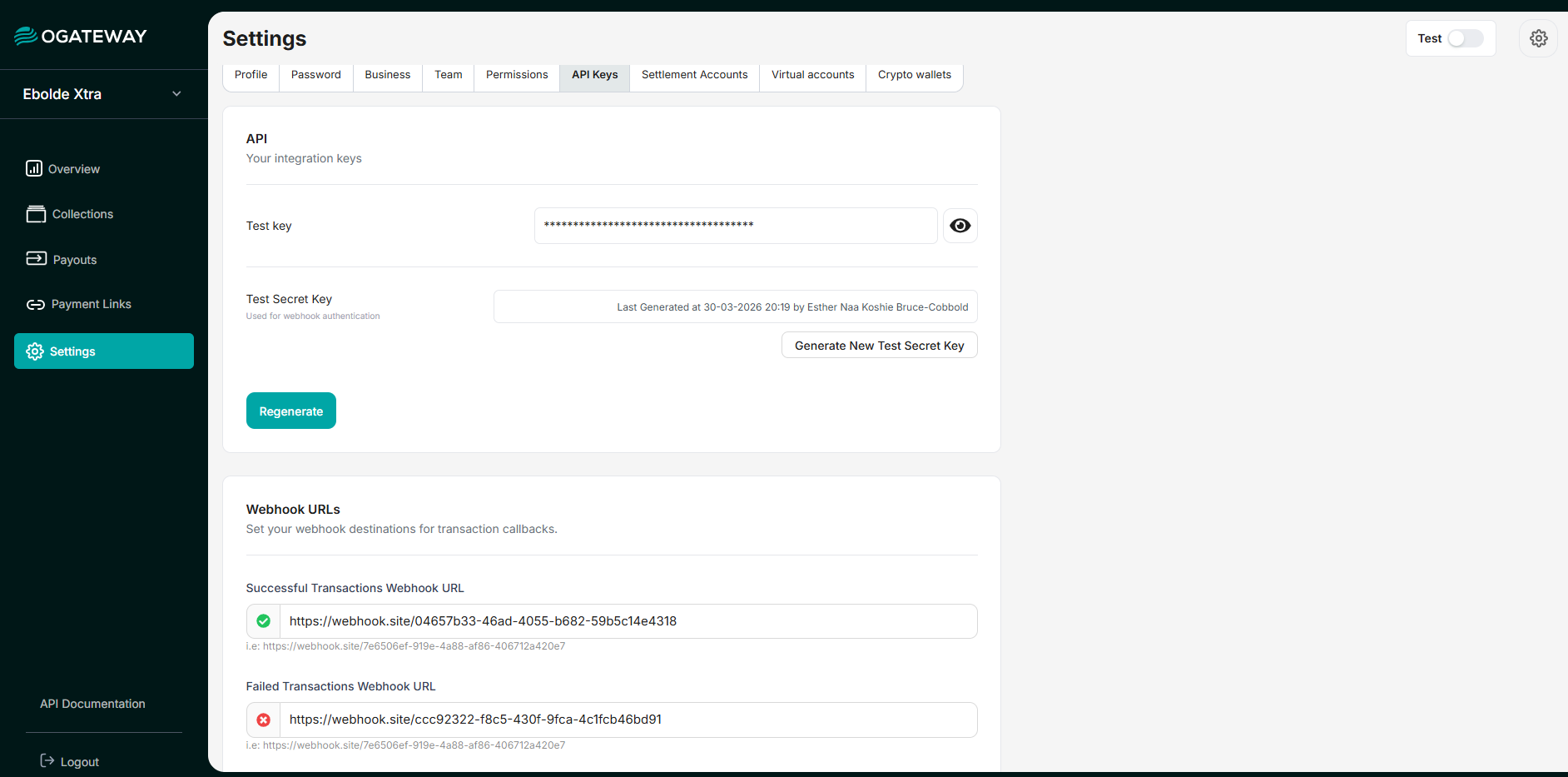
OGateway uses API keys to authenticate requests. You can view and manage your API keys in the Dashboard under Settings > API Keys.
Your API keys carry many privileges, so be sure to keep them secure! Do not share your secret API keys in publicly accessible areas such as GitHub, client-side code, or frontend applications.
Usage
Authentication is performed via the HTTP Authorization header.
- For Transactional Endpoints (Collections, Payouts, etc.): Use your API Key (Test or Live).
Authorization: {{api_key}}- For Management Endpoints(Creating Business, User Auth): Use the Bearer Token returned during the Signup/Login process.
Authorization: {{token}}Example Request
Here is how you would authenticate a request to check your balance using your API Key:
curl --request GET
--url [https://api.ogateway.io/balance](https://api.ogateway.io/balance)
--header 'Authorization: test_51f7d874cbe599989db9...'
--header 'Content-Type: application/json'Tip: If you need to authenticate via a Bearer token (e.g., for auth/ or business/ endpoints), simply pass the token string directly in the Authorization header.
API Key Types
There are two types of keys you will interact with:
- Test Keys: Use these for development. Transactions made with these keys are simulated and will not charge any account. They usually start with
test_.
-
Live Keys: Use these for production. Transactions made with these keys are real and will affect value. They usually start with
live_.
API requests made without authentication will fail with the status code401: Unauthorized.
Important: Test keys and live keys route to different processing systems. Use test keys during development and live keys in production.
Keep your API Keys secure. Never commit it to version control, or expose it within your applications.
Updated 6 months ago