
Getting Started 🚀
The OGateway API gives you access to robust payment features that allow you to collect payments, manage payouts, and handle financial operations programmatically. This API is designed to be RESTful, using predictable resource-oriented URLs, standard HTTP response codes, and JSON-encoded requests and responses.
Getting Started
Here is your roadmap to integrating with OGateway:
-
Base URLs:
- The Base URL for the dashboard is: dash.ogateway.io
- The Base URL for the API is: api.ogateway.io
-
Create an account: Sign up for an OGateway account. By default, you will have access to a Test environment where you can simulate transactions without moving real money.
-
Get your API Keys: Navigate to the Settings > API Keys tab in your customer dashboard. Here you will find your
Test Keyfor development.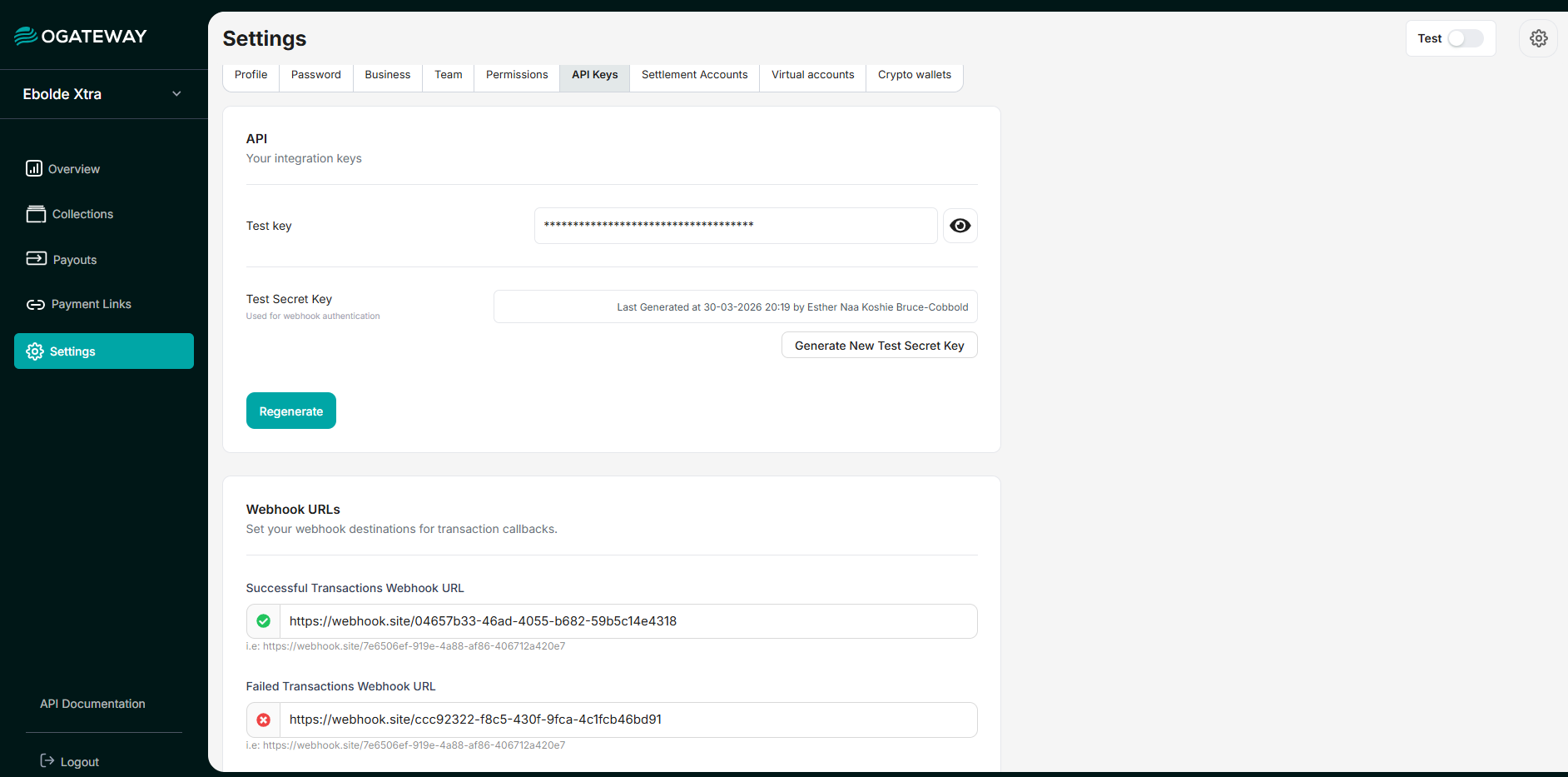
Generate and manage your API keys from the Settings menu.
-
Complete your KYC: To take your integration live, you must complete your business profile in the Settings > Business tab. We will review your documents to approve your account for production.
-
Go Live: Once approved, you can toggle the internal dashboard switch from Test to Live. You can then generate your
Live Keyto start processing real payments.
Keep your API Keys secure. Never commit it to version control, or expose it within your applications
API Keys can be re-generated from the Dashboard
Input/Output Format
Both request bodies and response data are formatted as JSON. The Content-Type header for responses will always be application/json.
Standard Response Format: Generally, all responses follow this structure:
{
  "status": "success",
  "code": 200,
  "message": "Transaction initiated successfully",
  "data": {
    "id": "45dcf5e9-e594...",
    "amount": 100,
    "currency": "GHS"
  }
}
Response Fields
| Field | Data Type | Usage / Definition |
|---|---|---|
| status | String | success or error |
| code | Integer | Standard HTTP response status code |
| message | String | Human readable result |
| data | Json Object | The payload of the requested action |
| id | String (UUID) | The transaction reference |
| amount | Double | The transaction amount / value |
| currency | String | The transaction currency |
Updated 4 months ago